Home (EN)
Hike Europe's most beautiful long distance trails
Explore ancient paths through woodland, meadows, moors, over hills and mountains, passing charming villages and historic buildings— each trail documented with care.
Navigate your trail with ease
Details of your trail — mapped, staged, and adjustable— accessible in just a few views.
 Explore a trail">
Explore a trail
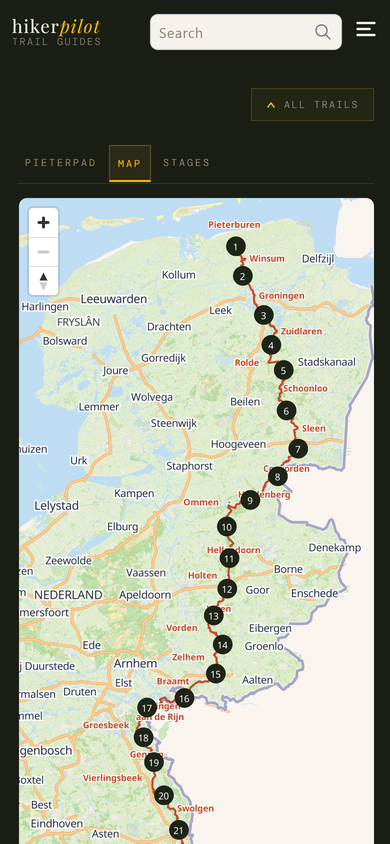
Check out an interactive map of the trail
Start by selecting a trail on the Trails page.
Tap a numbered stage marker on the map to jump directly to that stage's detail page.
Or go to the 'stages' tab to select a stage. This tab lists the stages, their distance, lowest and highest point, and the total elevation gain and loss during the hike.
 View details of your stage">
View details of your stage
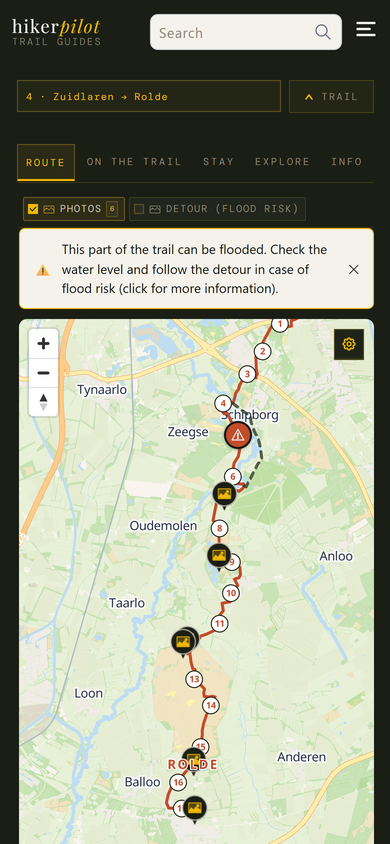
For every stage you get a map showing the track, its distance, any warnings, and any variant tracks or detours
Tap a marker on the map to highlight and show the feature.
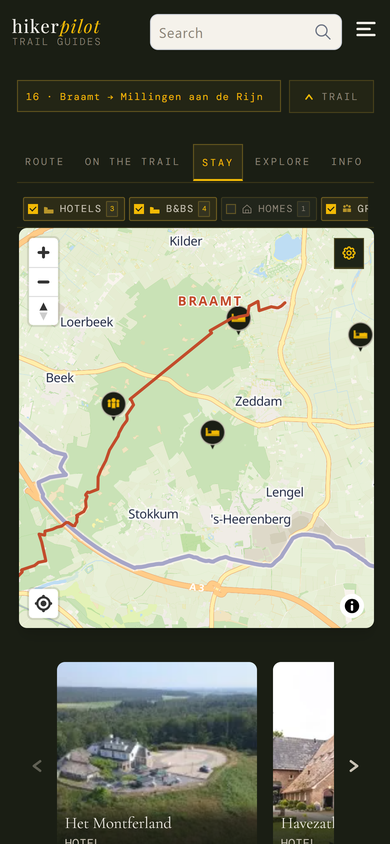
Our curated content can be found on the 'on the trail' tab (restaurants and cafes), 'stay' tab (accommodations), and 'explore' tab (nearby things to see or do).
Facilities along the trail (water taps, public toilets, and parkings) can be found on the 'on the trail' tab.
 Plan your hike">
Plan your hike
Check out our curated accommodations, cafes and restaurants, and things to see and do near the trail
To view different kinds of content on the map, switch between the 'route', 'on the trail', 'stay', and 'explore' tabs.
Toggle the category buttons directly above the map to filter the markers and the content listed below the map.
Tap a marker on the map to highlight that item in the cards listed below the map.
You can find out more about a curated item by clicking on its card below the map (we may earn a small commission if you do so).
 Tailor the trail stage's map">
Tailor the trail stage's map
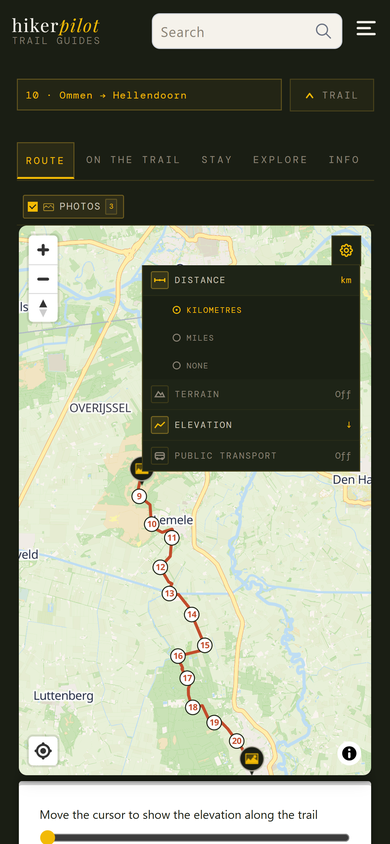
Open 'settings' by tapping the cog-wheel icon on the top right of the map and adjust your map to your needs
Select whether to show the distance in kilometres, miles, or not at all.
Toggle 'terrain' to show the terrain map with contour lines.
Open the elevation profile to show the elevation along the trail.
Toggle 'public transport' to show railway and bus lines, and stops on your map.
 Plan the trip to and from your trail stage">
Plan the trip to and from your trail stage
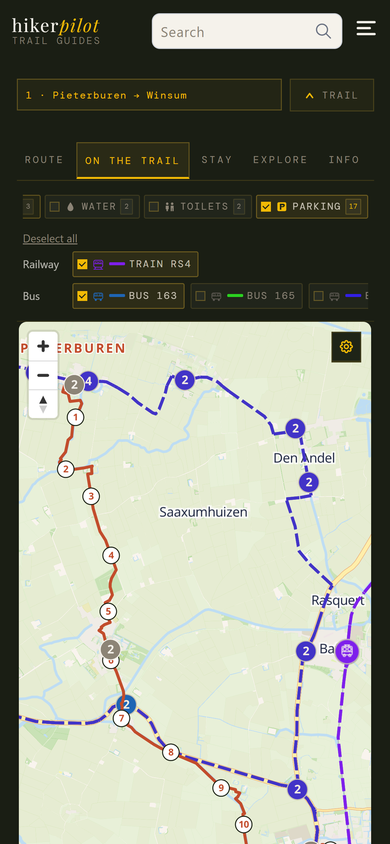
Show information on public transport lines and parkings on one map
In 'settings', toggle 'public transport' to show bus and train lines and stops near your trail.
Toggle the bus and train buttons above the map to filter the public transport lines that you need.
If you intend to park your car somewhere and use public transport to the trailhead, or to get back to your car, switch to the 'on the trail' tab and toggle the 'parking' button to plan you trip.
 Assess the difficulty of the stage">
Assess the difficulty of the stage
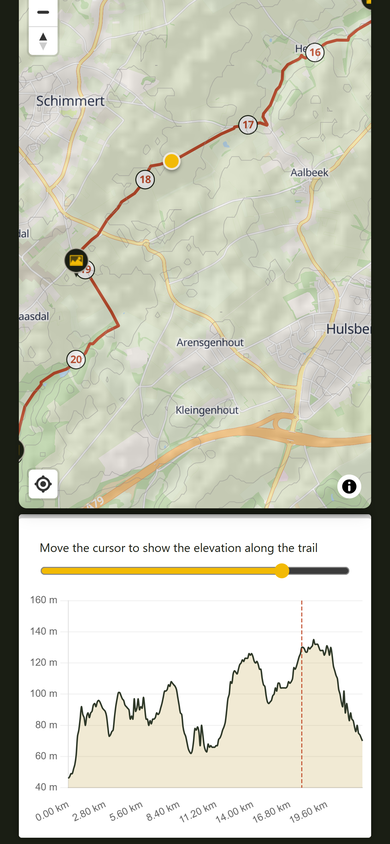
Use the elevation profile and the distance and terrain settings to check out the difficulty of the hike
You can move the yellow cursor in the elevation profile to show elevation, and ascent and descent details along the trail (the yellow marker on the map moves along so that you can see exactly where the difficult parts are located).
Toggle the terrain map to see hillshade and contour lines on the map.
Go back to the 'stages' tab for the trail which lists the stages, their distance, lowest and highest point, and the total elevation gain and loss during the hike.
Prefer another trail? On the Trails page you can filter trails by distance.